Supporting product work · Later
Content Workflows
Connected two distinct Later product surfaces across the content lifecycle: discovering and approving useful media, then organizing and reusing it from the Media Library.
60-second summary
Brands needed to find authentic content, assess whether it was useful, and move approved assets into an increasingly large library without losing context or momentum.
Product Design · UI Implementation · Web app
Treat discovery, review, approval, library organization, and reuse as connected stages while keeping each product surface focused on its primary task.
A visible path from hashtag, profile, stock, and contributor sources into a content-management workspace for filtering, reviewing, and scheduling assets.
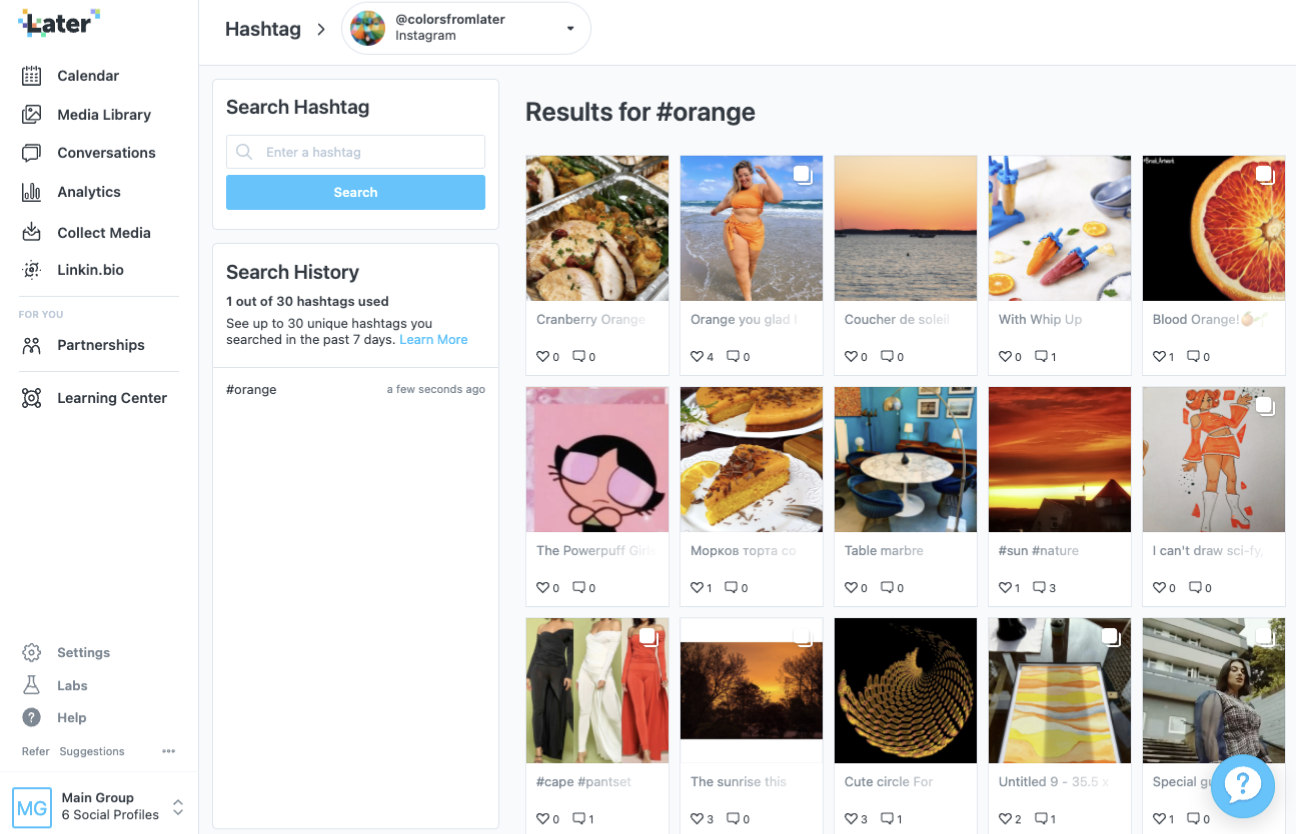
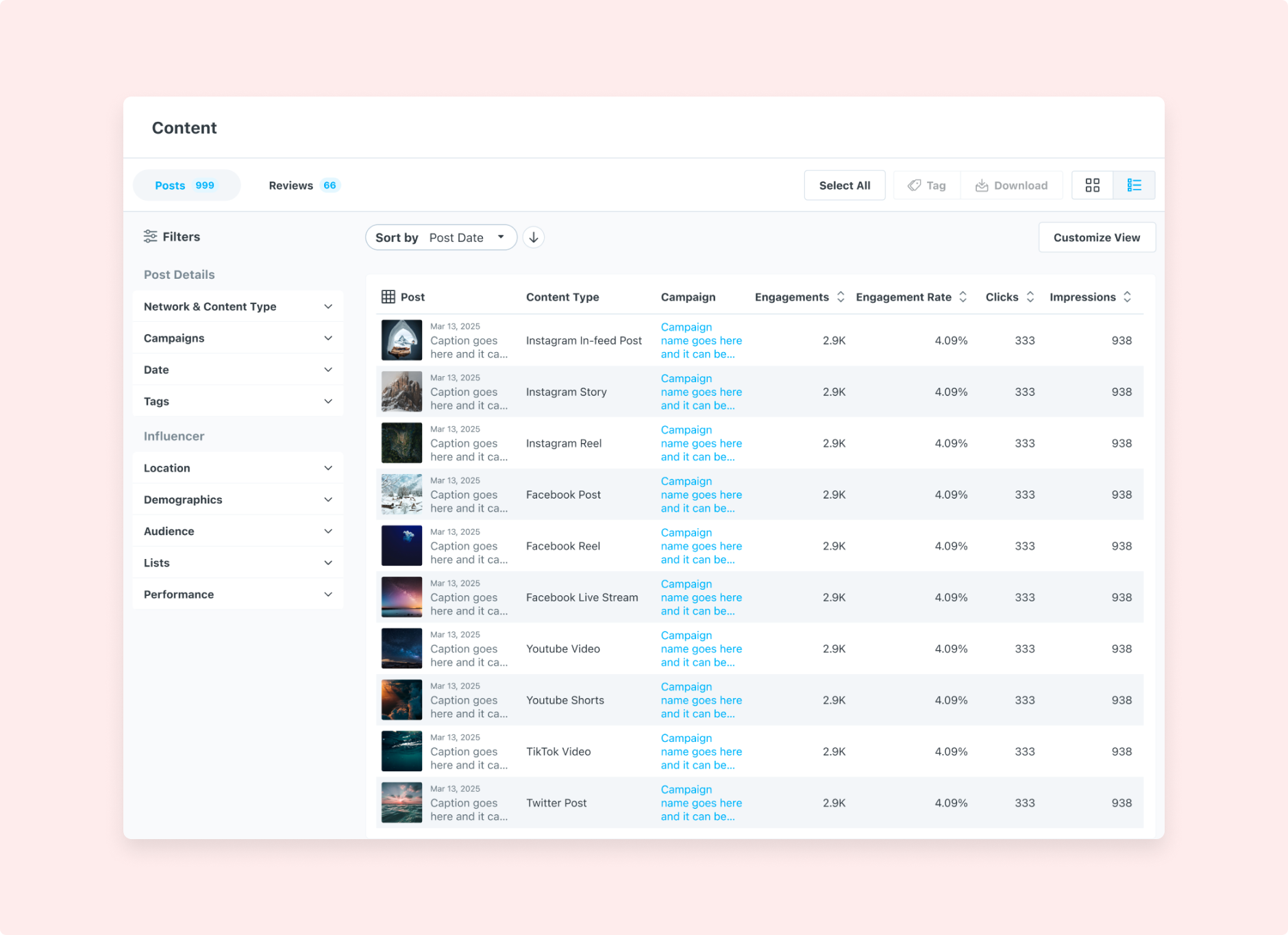
Hashtag discovery connects a repeatable search history with a content-first result grid and engagement context.
Decisions and system thinking
Two product surfaces connected by one content lifecycle
UGC and Content Library remain clearly identified as separate projects. Their functional handoff reveals the wider system: approved media becomes reusable product content.
Support different ways of finding useful media.
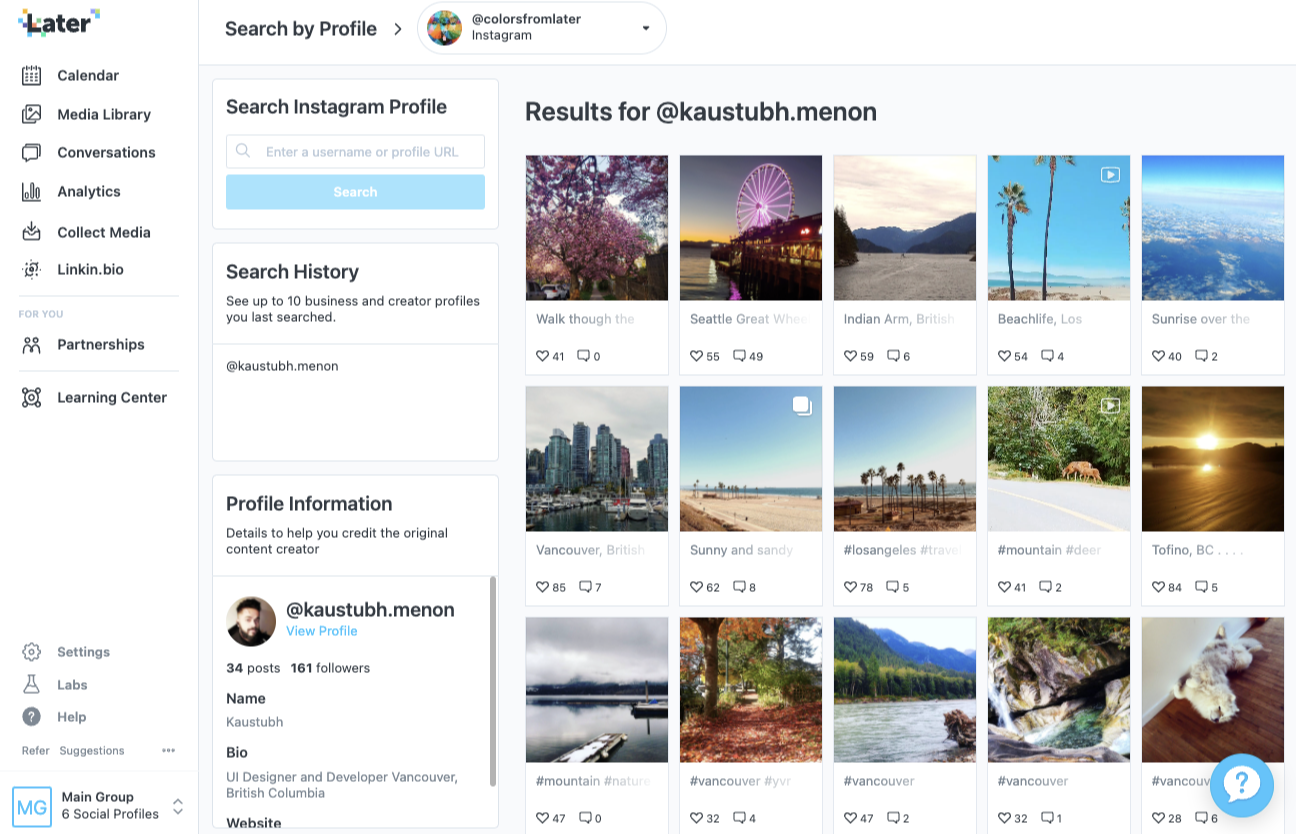
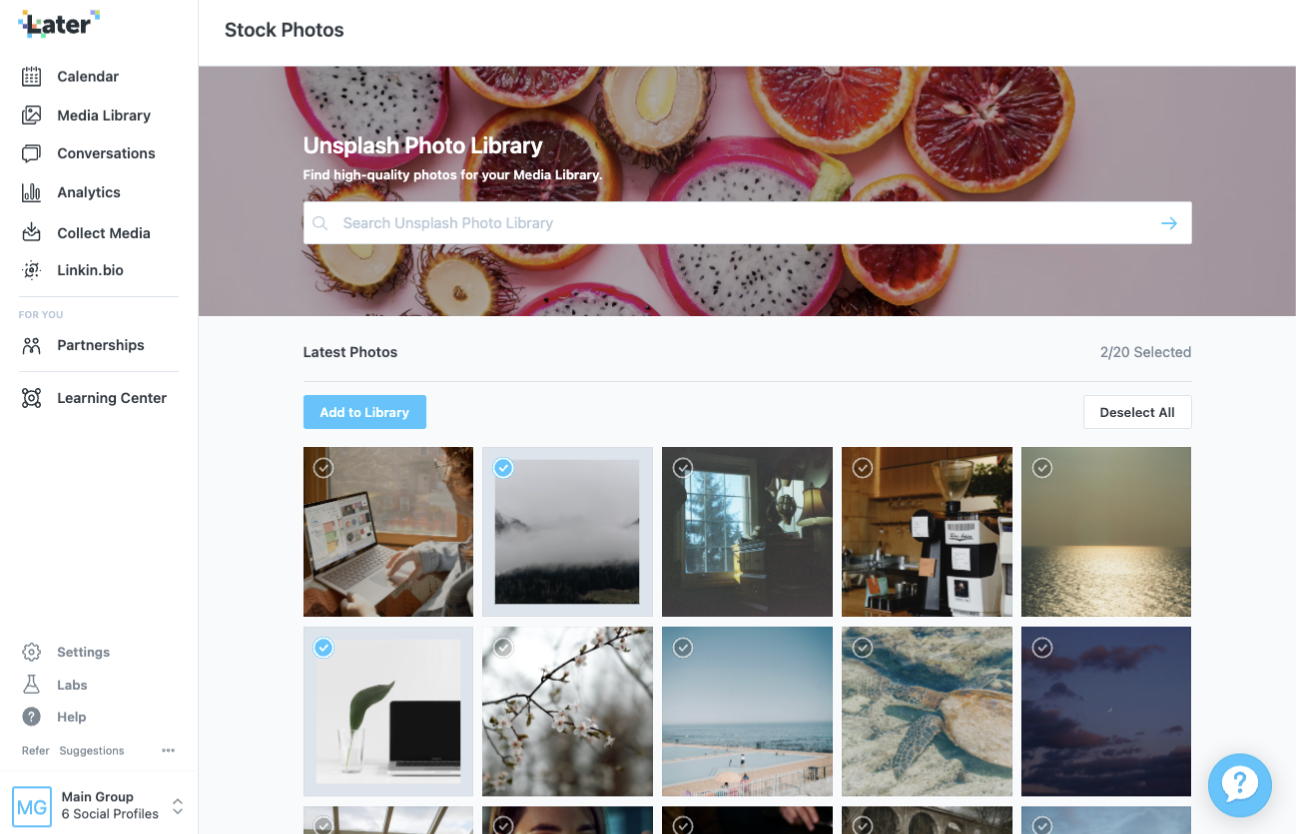
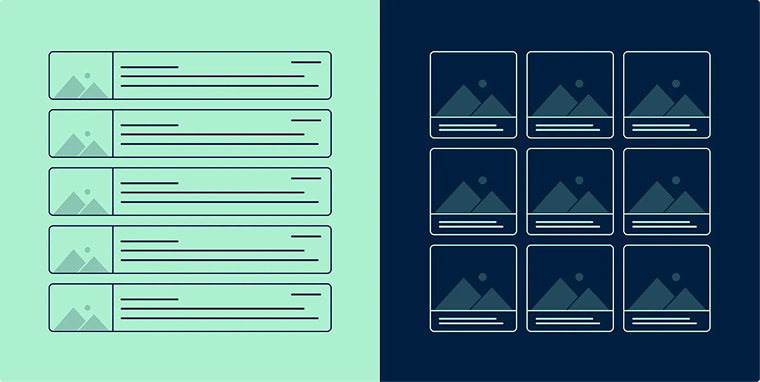
Hashtag search, profile search, stock photography, and contributor submissions use source-specific context while sharing familiar result grids, filtering, selection, and action patterns.
Make state and next action visible.
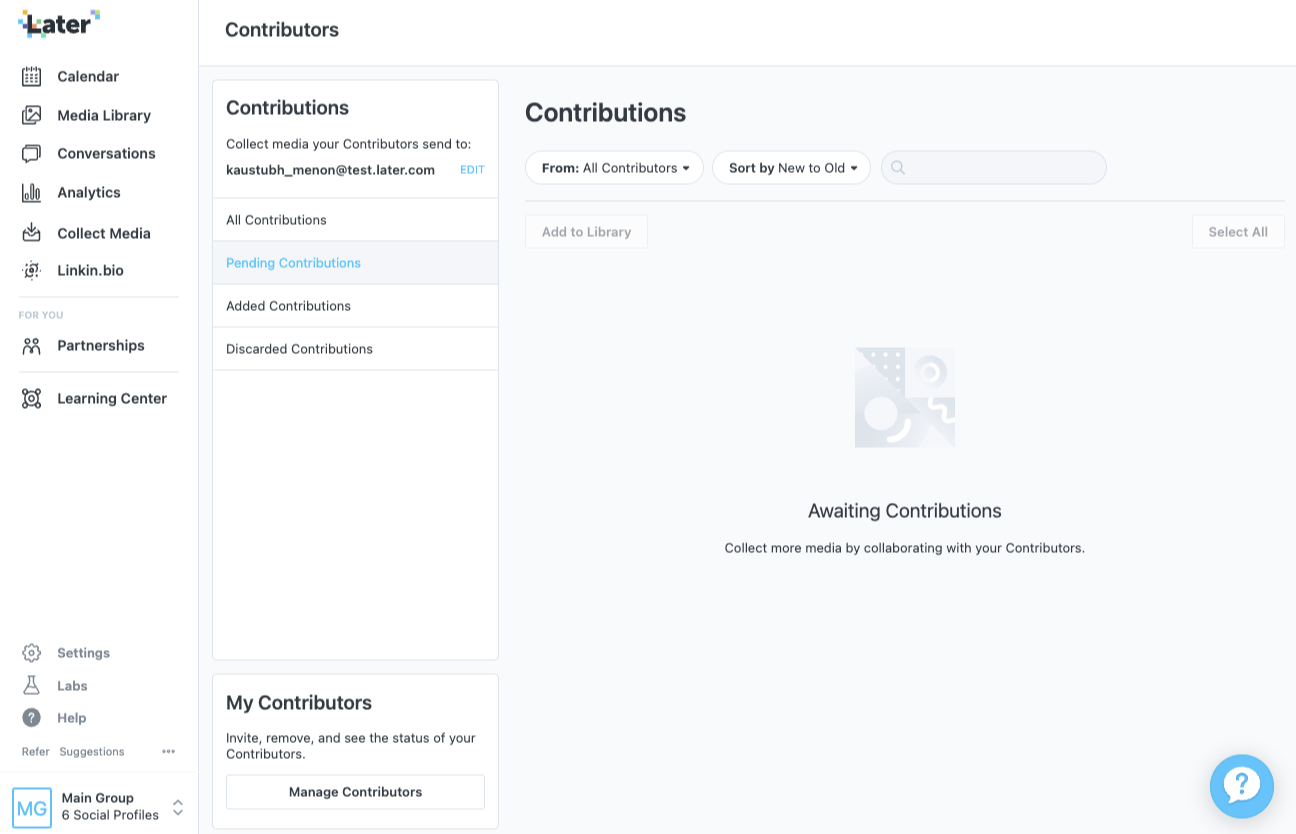
Contributor views separate all, pending, added, and discarded submissions. Search, filters, and sorting help users locate a specific asset, while approval actions keep the content itself as the visual priority.
Carry approved content into the Media Library.
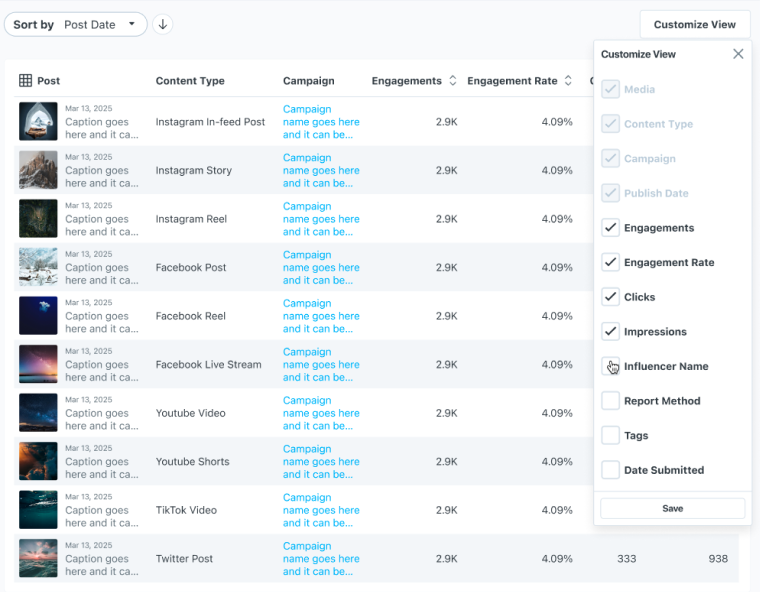
The library brings browsing, filtering, asset review, and scheduling into one working surface so teams can move from acquisition to reuse without rebuilding context.
Content lifecycle
From discovery to a reusable asset
- 01Find content by hashtag, profile, contributor, or stock source
- 02Review content and its available context
- 03Filter, sort, approve, or discard
- 04Add approved media to the library
- 05Organize, select, and schedule the asset
Shipped-product walkthrough
User-generated content walkthrough
Later’s public tutorial demonstrates how customers find and collect user-generated content. It documents a shipped product surface rather than providing an adoption or efficiency metric.
Technical constraint
Design around the context the API can actually provide
Content type, likes, and comments could appear on result cards, but the source notes that content-owner data was unavailable in a key collection flow. Avatars were therefore omitted rather than filled with misleading identity information.
Design contribution
What I contributed across the product workflow
- Project-scope definition with product
- Competitor and user research and testing
- Impact–effort prioritization
- Information architecture and workflow design
- User flows, prototypes, and high-fidelity UI
- Figma component-library creation
- HTML/CSS implementation quality
A separate desktop workflow for reviewing and replying to Instagram comments in context.